 DeskyPaw
Walks across your screen
Your pet strolls along the bottom of the screen, hops over nothing in particular, stops in the middle for a trick, and turns around at the edge.
Desktop pets for Mac
DeskyPaw is a desktop pet app for Mac. A fully animated 3D pet walks across the bottom of your screen, wags, barks and licks your screen, and its built-in focus timer makes it nap while you work, then bark when it's break time.
One-time purchase · 16 pets · 3-day free trial · No account
Focus buddy
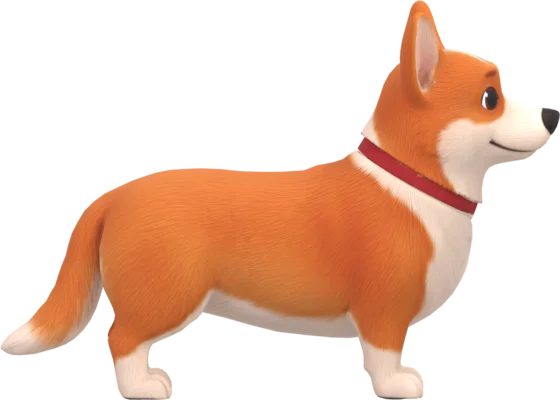
This is the real 3D pet from the app, running in your browser. Press Start 2-minute focus: your pet naps while the timer counts down, then wakes up and barks for break time. Click the pet to make it wag.
Demo video
A Persian cat strolls over notes, a web page and a spreadsheet. Your clicks go straight through it.
DeskyPaw is a desktop pet app for Mac. It adds a living, animated 3D pet to your screen: it walks along the bottom of your screen, hops, wags, barks and licks the glass, and it doubles as a Pomodoro-style focus timer that naps while you work and barks when it's time for a break. Try it free for 3 days, then pay once, with no subscription.
Why you'll love it
Your pet strolls along the bottom of the screen, hops over nothing in particular, stops in the middle for a trick, and turns around at the edge.
Start a 25 or 50 minute focus session. The pet naps while the countdown runs, then walks over and barks when it's break time. Your daily streak keeps score.
Every so often it turns to face you, comes up close and licks the glass, leaving smears that fade. A speech bubble pops up with each woof.
Dozing off is a tiny show: the head droops, the eyes close, it nods awake once and then sleeps with slow breaths and the odd ear twitch.
Clicks go straight through the transparent window, except on the pet itself. Drag it to a new spot, pinch to resize it, or set its nap corner.
Gentle bubbles nudge you to rest your eyes, drink some water and stretch. Optional, and quiet by default: sound is off until you turn it on (dogs bark, cats meow).
Made for you if
A landlord, allergies, a busy schedule or a small flat shouldn't mean a pet-free desk. Get the company and the cuteness, without the mess.
Use the Pomodoro-style focus timer with a pet that naps beside you, then makes your break something you actually take.
No account, no feeds, no ads. Just a small friend that keeps out of your way and puts a smile on your face now and then.
Sixteen pets, one price
Every pet is a hand-rigged 3D character with its own walk, tricks and personality. Try four of them in the live demo above. All sixteen come with the app, and you can switch any time from the paw menu.
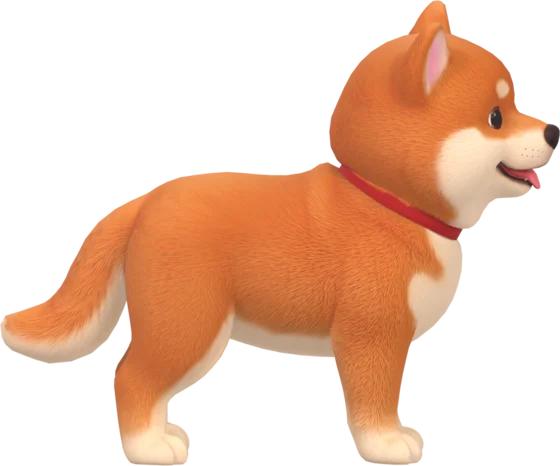 Shiba InuFox-faced and a little bit smug.
 DalmatianSpotted, long-tongued and bouncy.
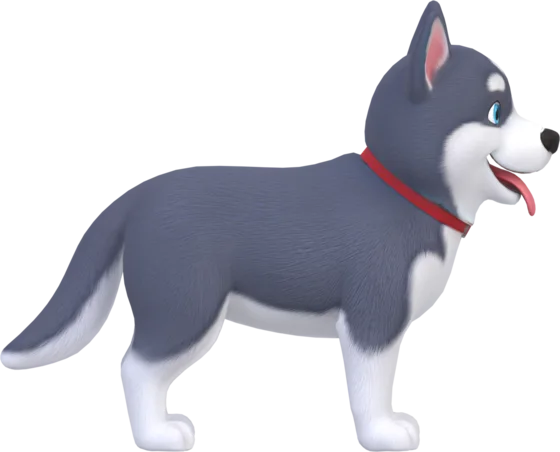 HuskyDramatic, deep-voiced and fluffy.
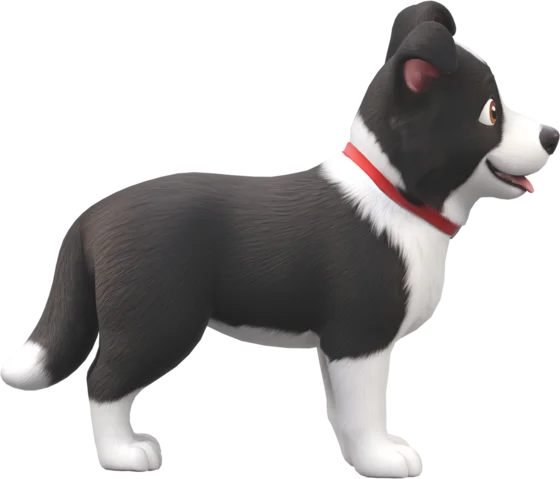 Border CollieAlert and clever, with floppy ears.
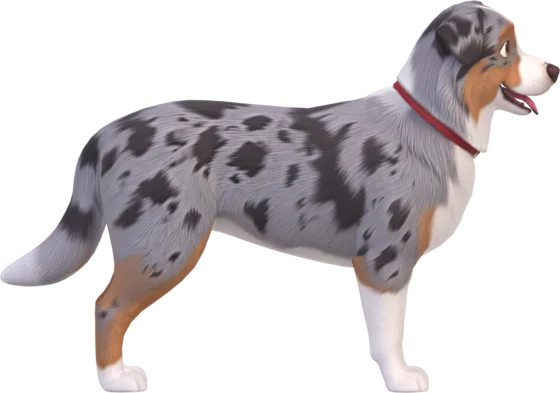 Australian ShepherdBlue merle, bright-eyed and endlessly cheerful.
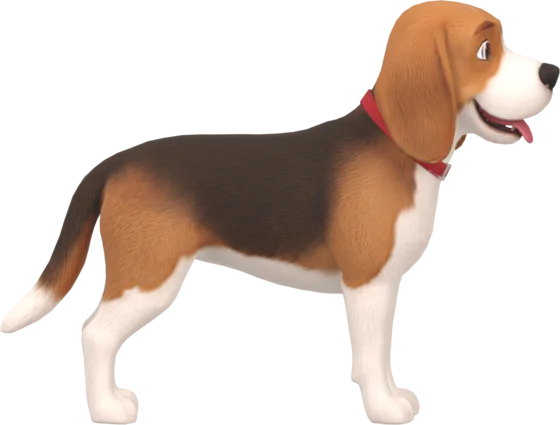 BeagleLong floppy ears and a nose for fun.
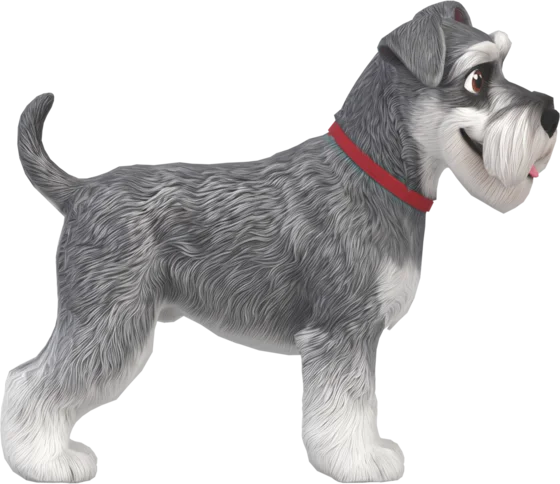 SchnauzerBushy brows, a wise grin and a lot of beard.
 LabradorLoyal, goofy and always happy to see you.
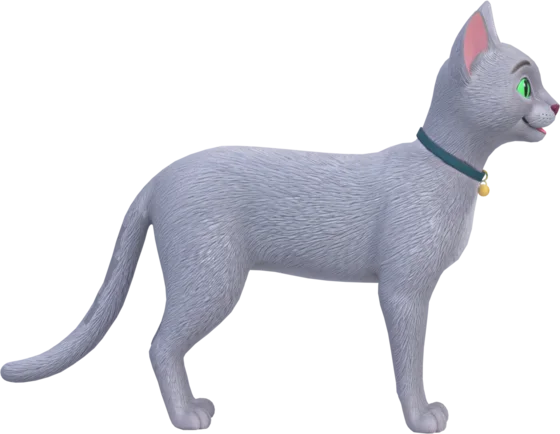 Russian BlueElegant, silver-blue and quietly cheerful.
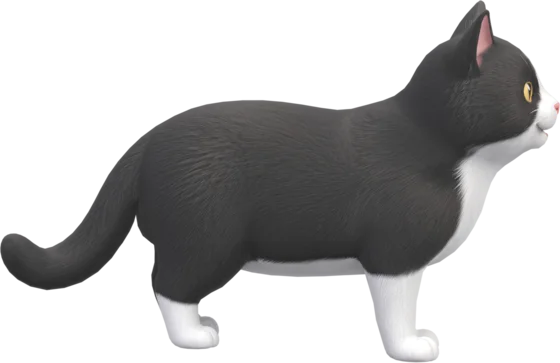 Tuxedo CatDressed for the occasion, and it meows instead of barking.
 WhippetSleek, graceful and always listening for something.
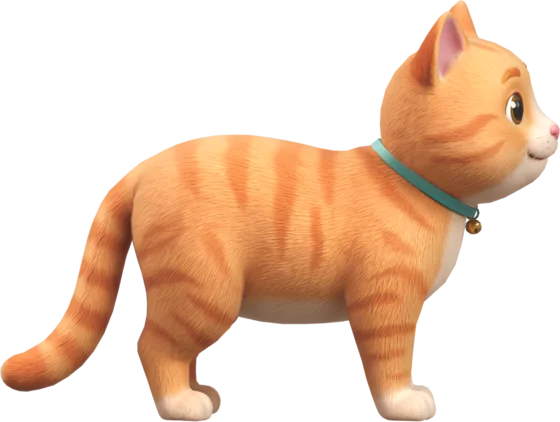 Orange TabbyRound, ginger and full of mischief, with a bell that jingles.
Focus buddy
Most timers beep. DeskyPaw's pet falls asleep next to you, so your focus feels like a shared quiet moment, and when time's up, it wakes with a bark.
One payment. No subscription.
Made for Mac. Secure checkout by Dodo Payments. Your price is shown in your local currency. Not happy? 14-day refund.
Requires a Mac with Apple silicon (M1 or later) and macOS 13 or later.
Questions
Can't find your answer? Write to us and we'll reply.
Email hello@deskypaw.appDeskyPaw is a desktop pet app for Mac. It shows an animated 3D pet, such as a golden retriever, corgi or Husky, that walks along the bottom of your screen, hops, wags its tail, barks and licks the screen. It also has a focus buddy timer, so the pet naps while you work and wakes you for a break.
Try it free for 3 days, then pay once: about $9.99 (USD), or ₹399 in India. The exact price in your own currency is shown at checkout. There is no subscription, and all sixteen pets are included.
DeskyPaw runs on Macs with Apple silicon (M1 or later) and macOS 13 or later. It does not run on Intel Macs, and there is no Windows version yet.
Start a focus session from the paw icon in the menu bar (25 or 50 minutes). Your pet walks to the edge of the screen and naps while a countdown runs next to the paw. When time is up it walks to the middle of the screen and barks or licks the screen until you click it. The demo on this page uses a 2-minute session so you can see the whole cycle.
No. The pet lives in a transparent window that lets clicks pass through everywhere except on the pet itself, so you can keep working underneath it. You can also change its size, or drag it somewhere else.
No. The DeskyPaw app has no account, no analytics and no tracking. The only time it goes online is to activate your license key (and to re-check it now and then), which sends the key and your Mac's name to our payment provider, Dodo Payments. Your settings, such as the pet you chose and your focus streak, stay on your own Mac. This website counts visits in aggregate with cookie-free Cloudflare Web Analytics. See the privacy page.
Sixteen pets: golden retriever, corgi, Shiba Inu, Dalmatian, Husky, Border Collie, Australian Shepherd, Beagle, Schnauzer, Labrador, Persian cat, Russian Blue cat, Tuxedo cat, Whippet, Orange tabby and red panda. You can switch between them from the paw menu at any time.
Yes. Choose Small, Medium, Large or Extra large from the menu, or pinch on the pet with a trackpad. Walking speed scales with the size so the paws never slide.
DeskyPaw renders one small 3D model in a transparent window and pauses work when nothing is moving. A lighter native version is being explored.